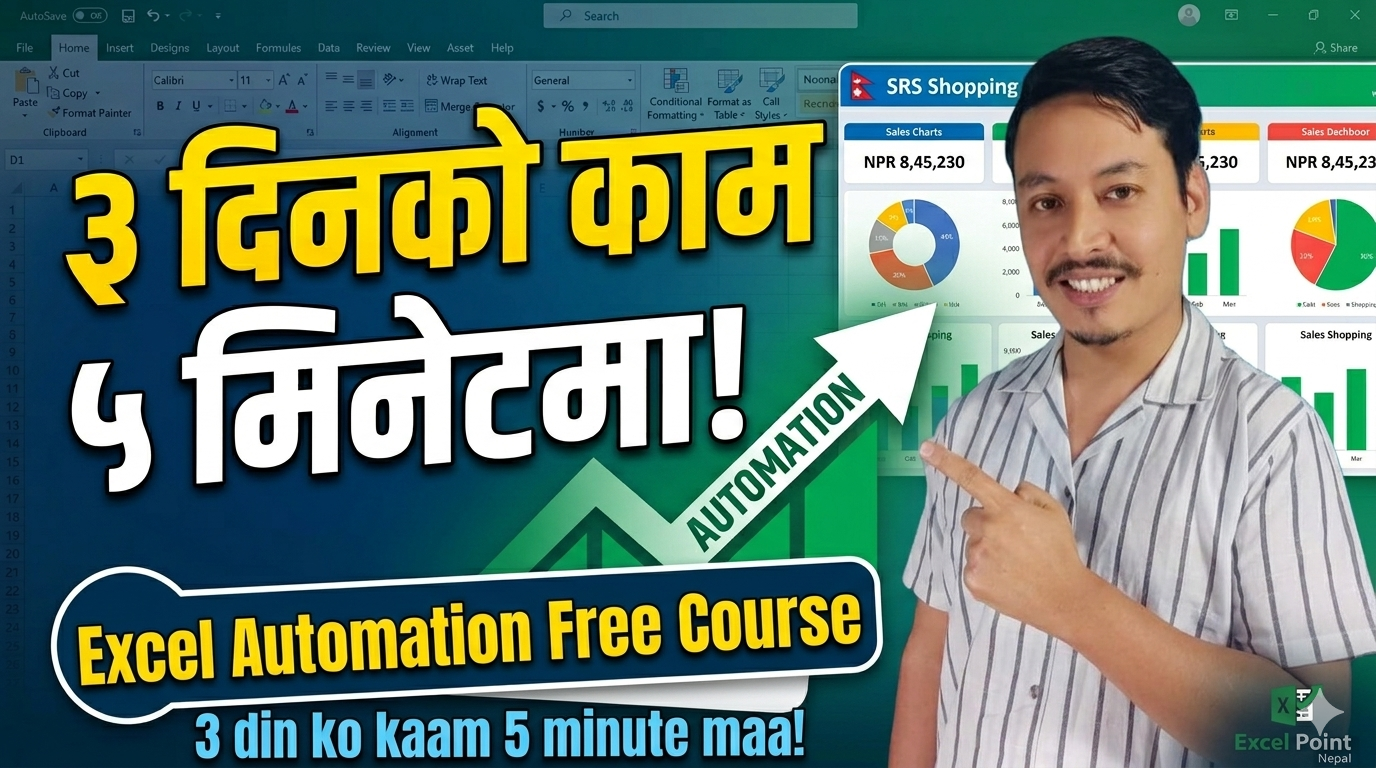
Welcome to the most complete Excel Automation Course in Nepal. In this Excel Automation Course, we will show you how to take a month’s worth of data and process it in seconds. Whether you are a beginner or a pro, this Excel Automation Course is designed to save you hours of manual work.
Have you ever felt buried under a mountain of spreadsheets? In the corporate world—whether you are in Accounting, HR, or Sales—the story is often the same: “I spend my entire week just preparing reports, leaving no time for actual analysis.”
I recently met a clothing shop owner who told me it took him three full days every month just to compile his sales reports. I set up a simple Excel Automation for him—now, it takes him less than 5 minutes.
I am Sanjay Shrestha, and I’m thrilled to launch Nepal’s most comprehensive Free Excel Automation Series on Excel Point Nepal. This isn’t just about formulas; it’s about changing the way you work.
📺 Watch the Launch Video
🚀 What Makes This Course Unique?
Most courses use generic data. To make this practical, we’ve built a custom dataset for a fictional Nepal-based clothing brand called ‘SRS Shopping.’
Inside the SRS Shopping Dataset:
- 100 Employees: Realistic names and roles (HR, Sales, Finance, Design).
- 1,457 Sales Transactions: Real-world product data (Hoodies, Jeans, T-shirts) across 2 years.
- 18,300 Attendance Records: A massive log for the entire year of 2024.
- 8 Branches: From Kathmandu HQ to Nepalgunj.
We will use this single, consistent dataset from Lesson 1 all the way to Lesson 60 to build a fully automated business system.
📂 Download the Practice Dataset (FREE)
Hands-on practice is the only way to master Excel. Click the button below to download the official dataset and follow along with the series.
(Note: Please read the ‘README’ sheet first after opening the file.)
📅 The 60-Lesson Roadmap
We have divided this journey into 14 logical modules:
| Modules | Focus Area |
| Module 1–3 | Formula Automation: XLOOKUP, FILTER, & Dynamic Arrays |
| Module 4–6 | Data Visualization: Pro Formatting, Charts, & Pivot Tables |
| Module 7–8 | Data Cleaning: Power Query & Power Pivot |
| Module 9–11 | Advanced Automation: Macros, VBA, & Office Scripts |
| Module 12–14 | The Final Project: Professional Live Dashboards |
💼 Why Learn Excel Automation Today?
Being “good at Excel” isn’t enough anymore. You need to be an Automation Expert.
- The Job Market: Top companies in Nepal are looking for candidates who can save time. An Accountant who knows automation is 10x more valuable than one who does manual entry.
- Freelancing: Excel Automation experts on Upwork and Fiverr charge anywhere from $25 to $75 per hour. A single dashboard project can earn you $200–$500.
- Efficiency: Imagine finishing your monthly report before your morning coffee is cold. That is the power of a “One-Click” system.
❓ Frequently Asked Questions (FAQs)
Q: Which version of Excel do I need?
A: You can use Microsoft Excel 2019, 2021, or 365. We recommend Microsoft 365 to take advantage of Dynamic Arrays and Office Scripts.
Q: Is this course really free?
A: Yes! The entire 60-lesson series, the dataset, and the templates are 100% free on the Excel Point Nepal YouTube channel.
Q: I’m a beginner. Can I join?
A: If you know the basics of rows, columns, and the SUM formula, you are ready. If you are a total beginner, check out our ‘Excel Basics’ playlist first.
✍️ Make the Commitment
Learning a high-value skill requires consistency. Are you ready to transform your career?
Type “I will complete this series!” in the comments below. Publicly committing to a goal increases your chances of finishing it. I’ll be reading and replying to every single comment!
Coming Up Next (Lesson 2): Manual vs. Automated Excel — The Real Difference. See you there!
Stay Connected:
- YouTube: Subscribe to Excel Point Nepal
- Facebook: Join our Professional Community
- Website: excelpointnepal.com

