Excel VBA for Office Professional
About Course
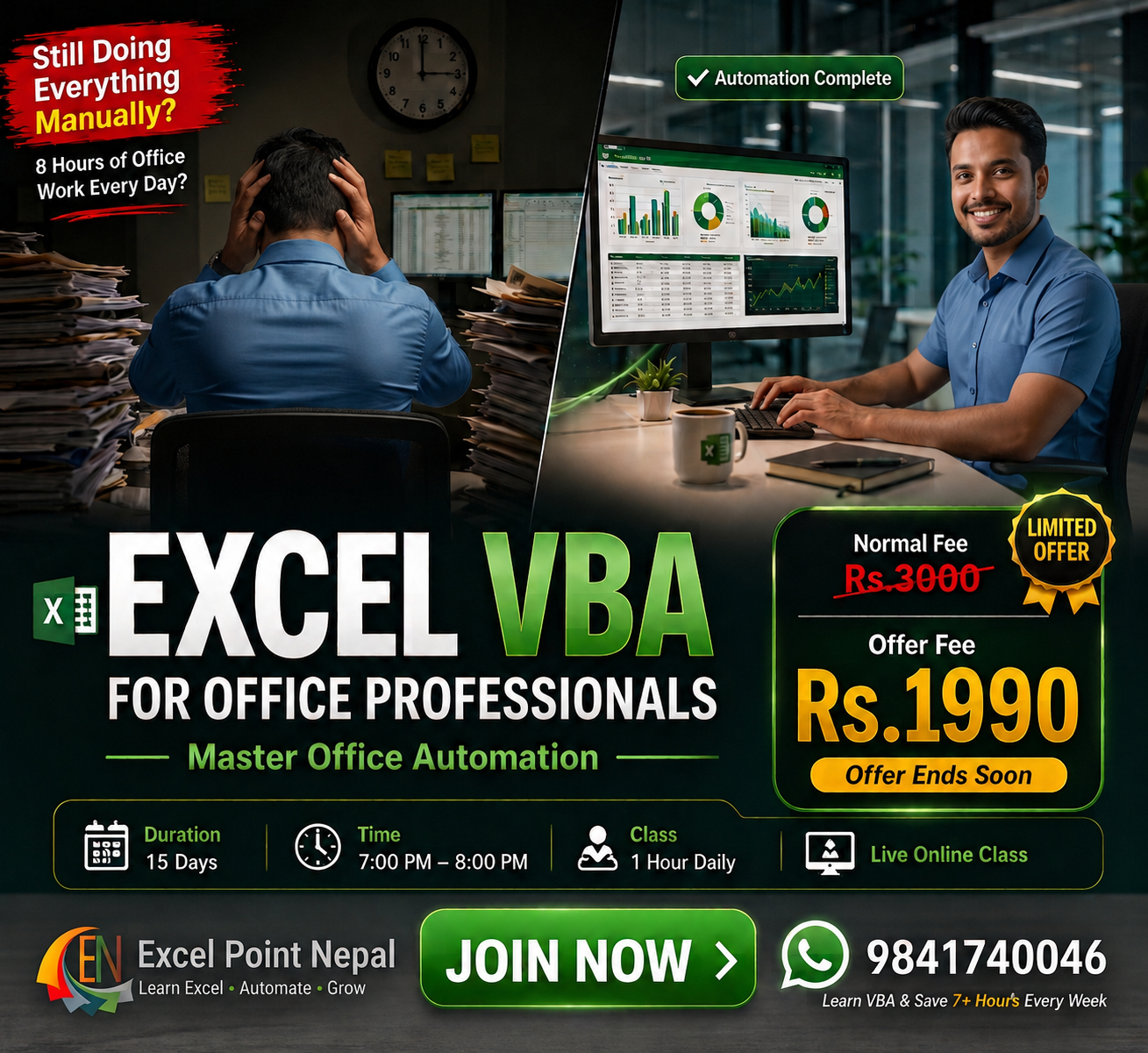
Excel VBA for Office Professional is a practical, project-based course designed to help you automate repetitive Excel tasks using VBA and Macros.
This course starts from the fundamentals of VBA and gradually moves toward real-world Excel automation, including variables, decision making, loops, workbook and worksheet automation, Range & Cells, Excel Tables, search, sorting, filtering, UserForms, dashboards and complete office automation projects.
You don’t need any previous VBA programming experience. If you already use Excel regularly at work, this course will help you turn repetitive manual tasks into automated workflows.
The course focuses on practical learning rather than only theory. You will write VBA code, build automation projects and learn how VBA can be applied to real office situations.
Course Content
Excel VBA for Office Professional
-
Day 1: Introduction to VBA & Macro Recorder
01:01:00 -
Day 2: VBA Editor & Code Structure
01:05:00 -
Day 3: Variables, Data Types, MsgBox & InputBox
59:45 -
Day 4: Smart Decision Making with VBA
01:00:00 -
Day 5: Object Hierarchy & Loop Automation
01:08:00 -
Day 6: Range & Cells Automation Project
56:19 -
Day 7: Worksheet & Workbook Events
56:18 -
Day 8: Office Automation Project
-
Day 9: Excel Tables & Search Automation
-
Day 10: Sorting & Filtering Automation
-
Day 11: Crash-Proof Sales Report Generator
-
Day 12: Introduction to UserForm
-
Day 13: UserForm Automation Project
-
Day 14: Dashboard Automation using VBA
-
Day 15: Real Office End-to-End Automation Project
Student Ratings & Reviews

